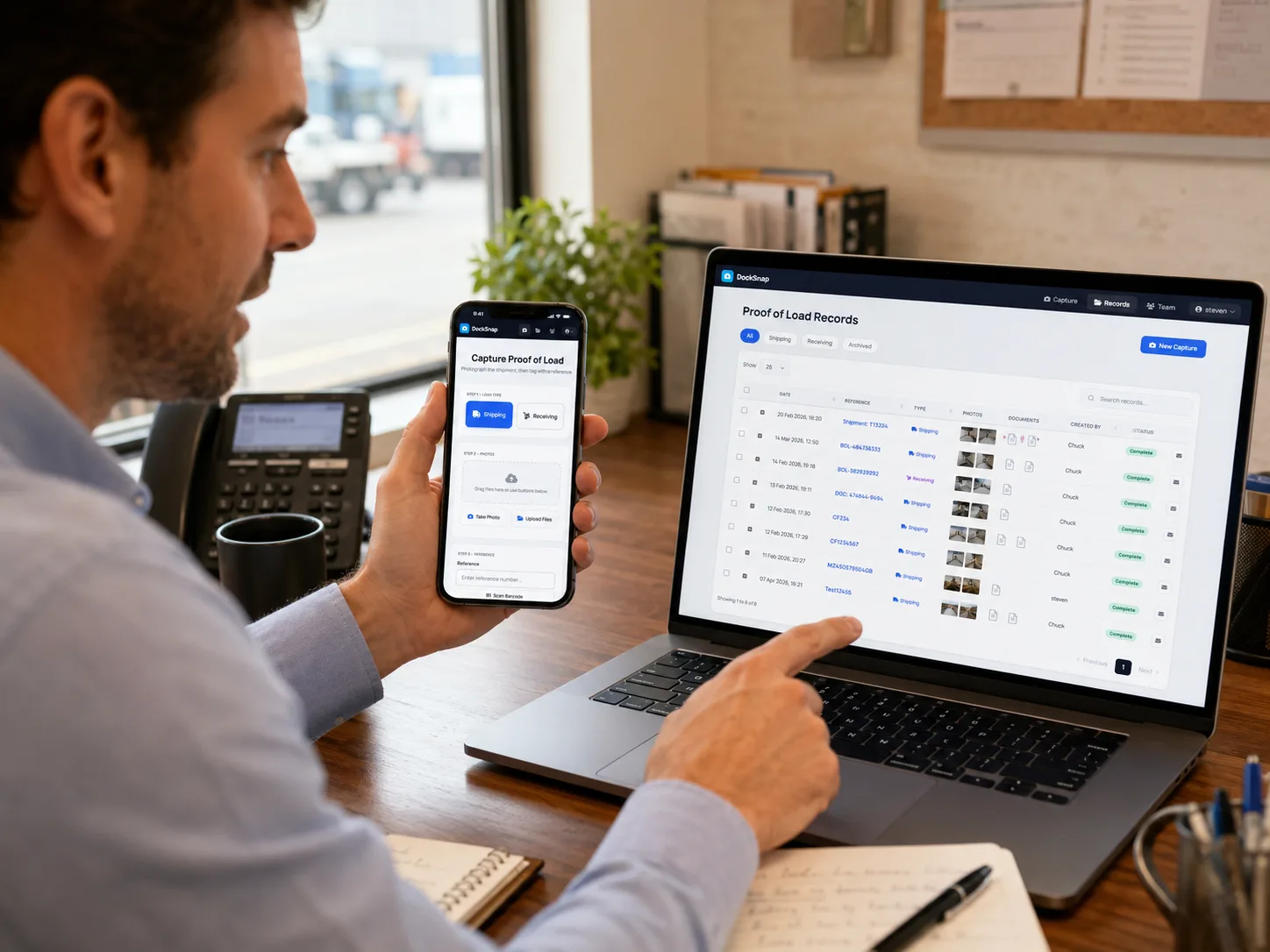
One central library. Every photo. Every shipment.
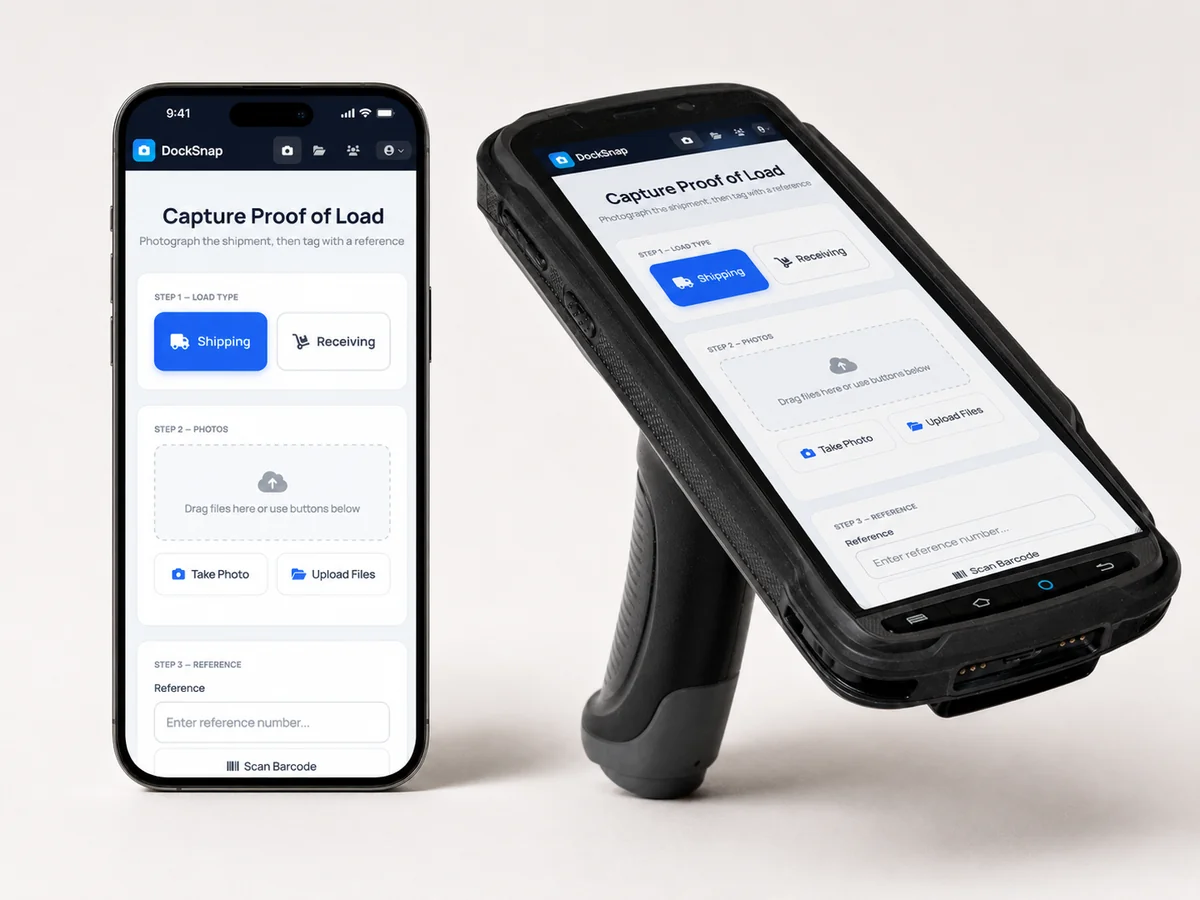
Works on the devices you already have
Android phones, iPhones, or rugged scanner hardware. No special equipment to buy — your team installs DockSnap on whatever they're already carrying.
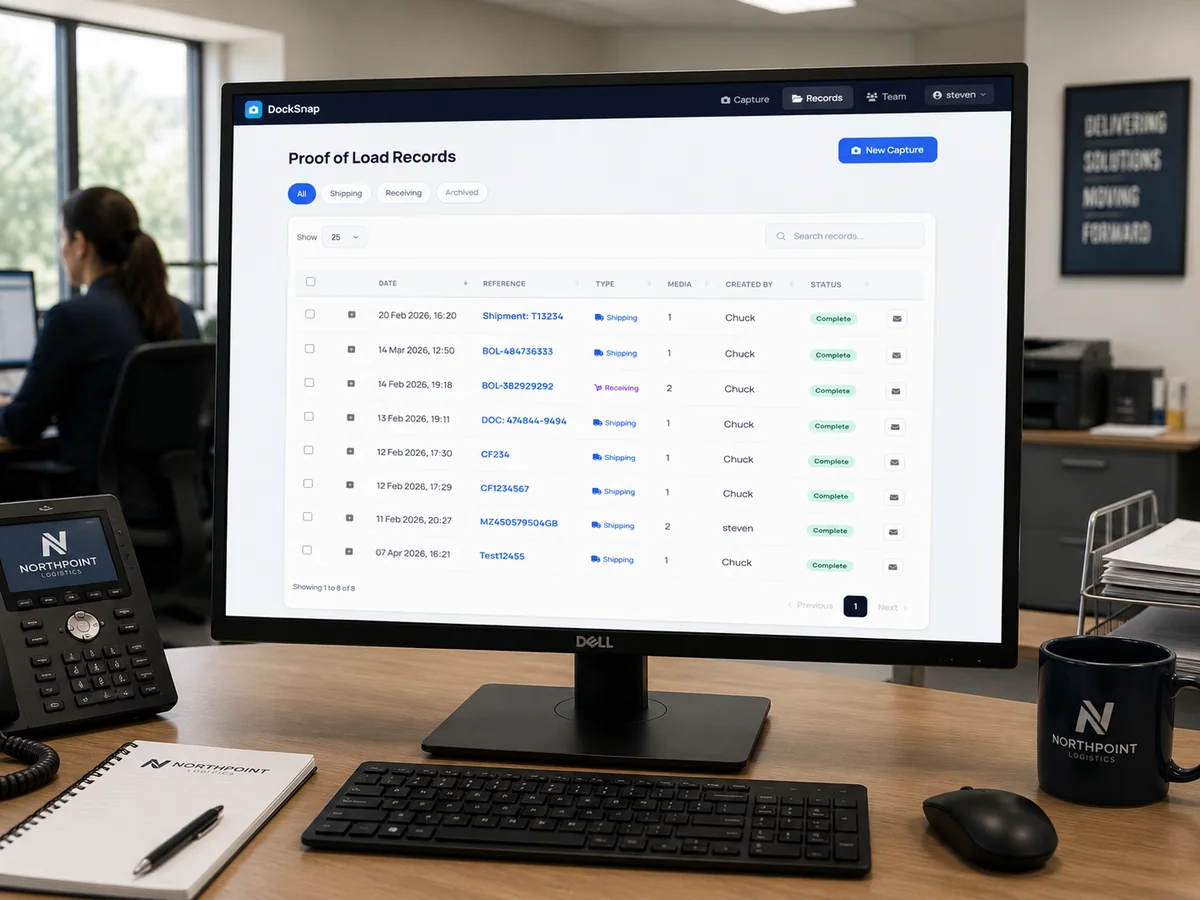
Everything in one place
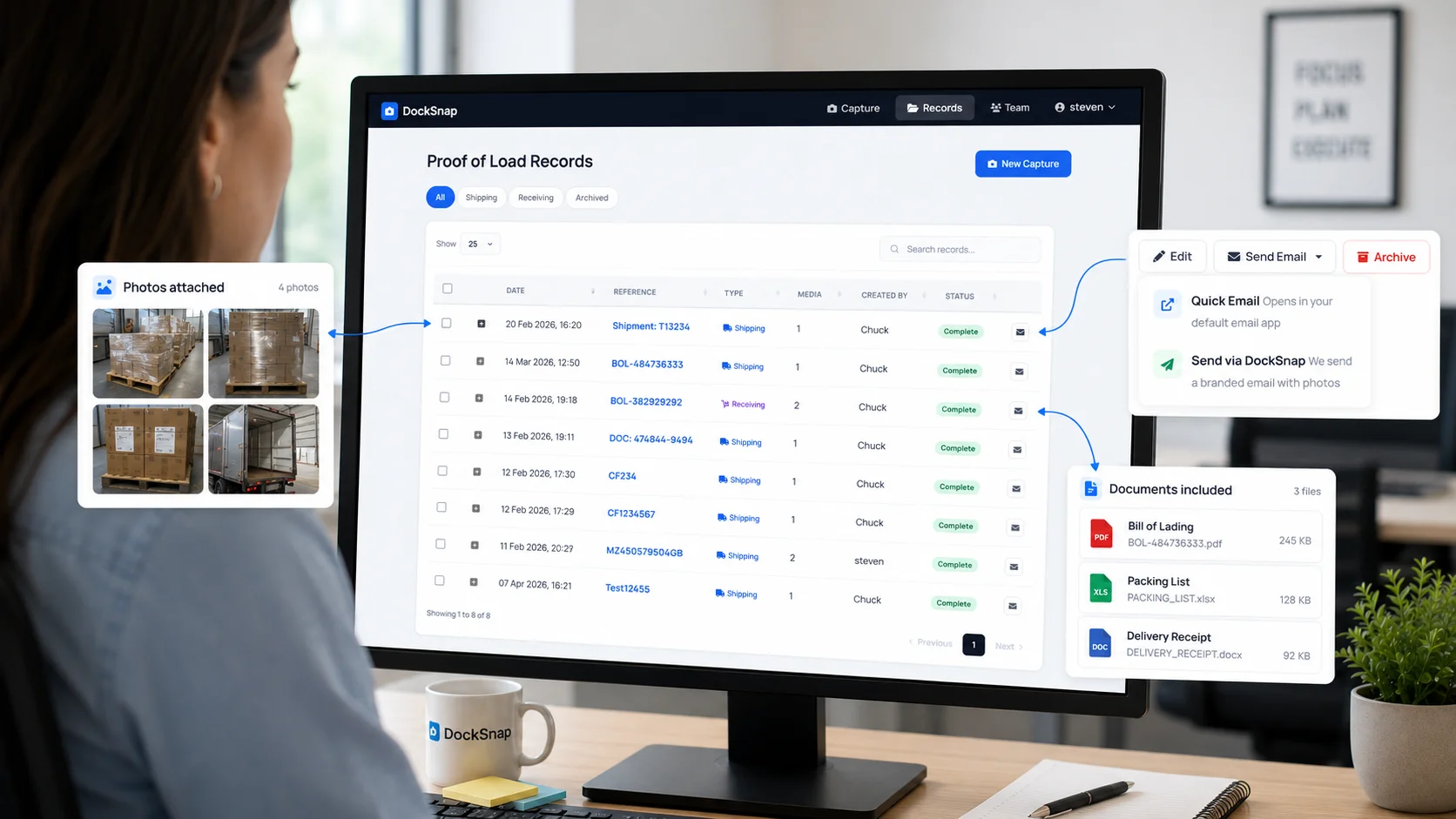
Photos upload automatically to a central, secure library — organized by date and reference. No more chasing people for photos or digging through email threads.
Tag shipments the way that's fastest
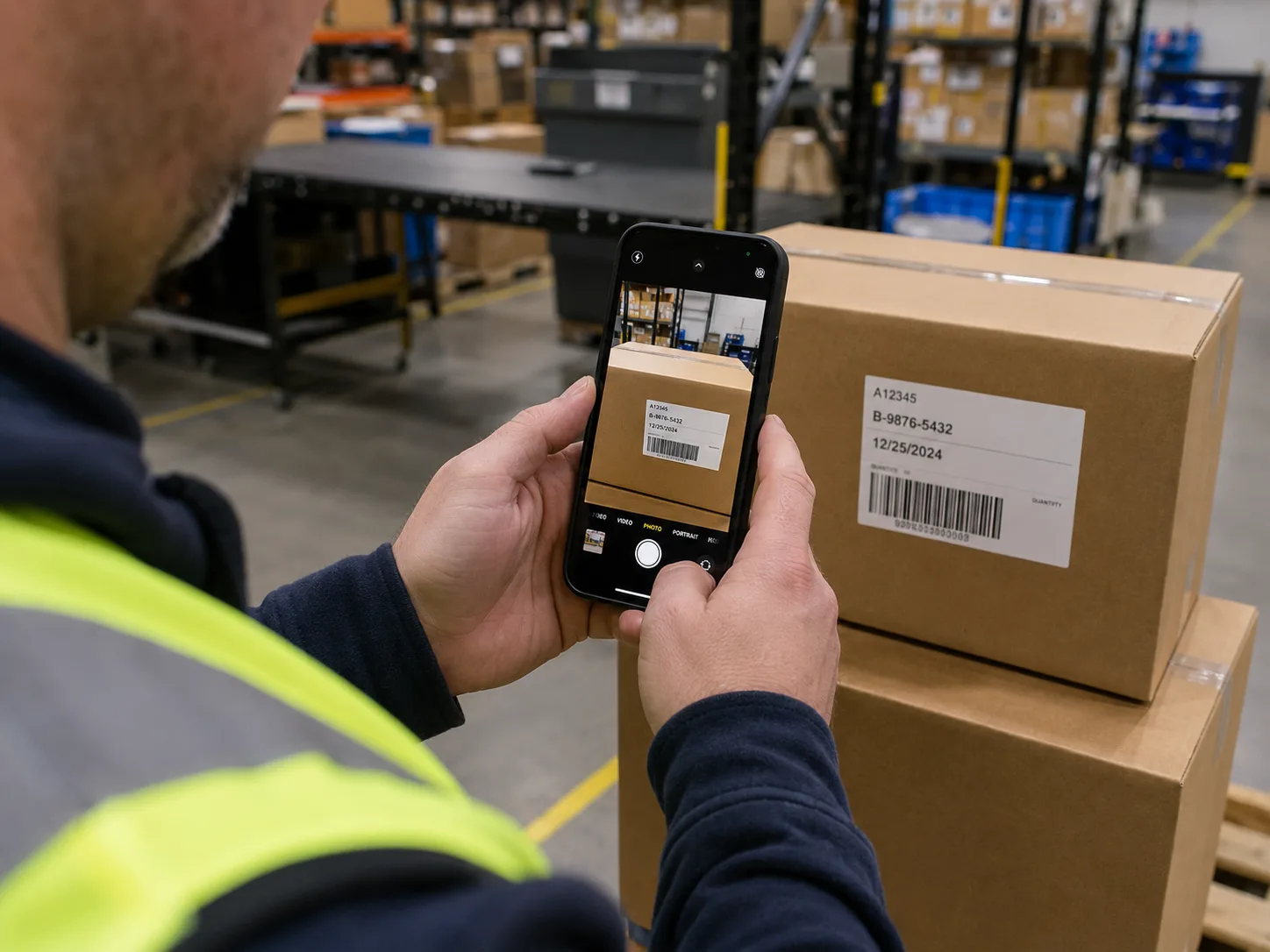
Type a reference, scan a barcode, or let OCR read the label. DockSnap supports Code 128, Code 39, QR, UPC, and EAN — plus OCR for text labels. Whichever is fastest, your team uses it.
Plug into any WMS — or use DockSnap standalone
Connect to any warehouse management system. Automatic integration with Warehouse Bridge, or use DockSnap completely standalone. Your call. Many teams start standalone and connect a WMS later.
Simple to share with clients
Client needs proof of condition? Pull up the shipment, share the photos. No more hunting through inboxes or asking the warehouse floor who took the picture.