How It Works
Take a photo. Tag it. Done.
Your team already knows how to take a photo. DockSnap just makes sure it ends up in the right place — organized, searchable, and ready to share with clients.
1
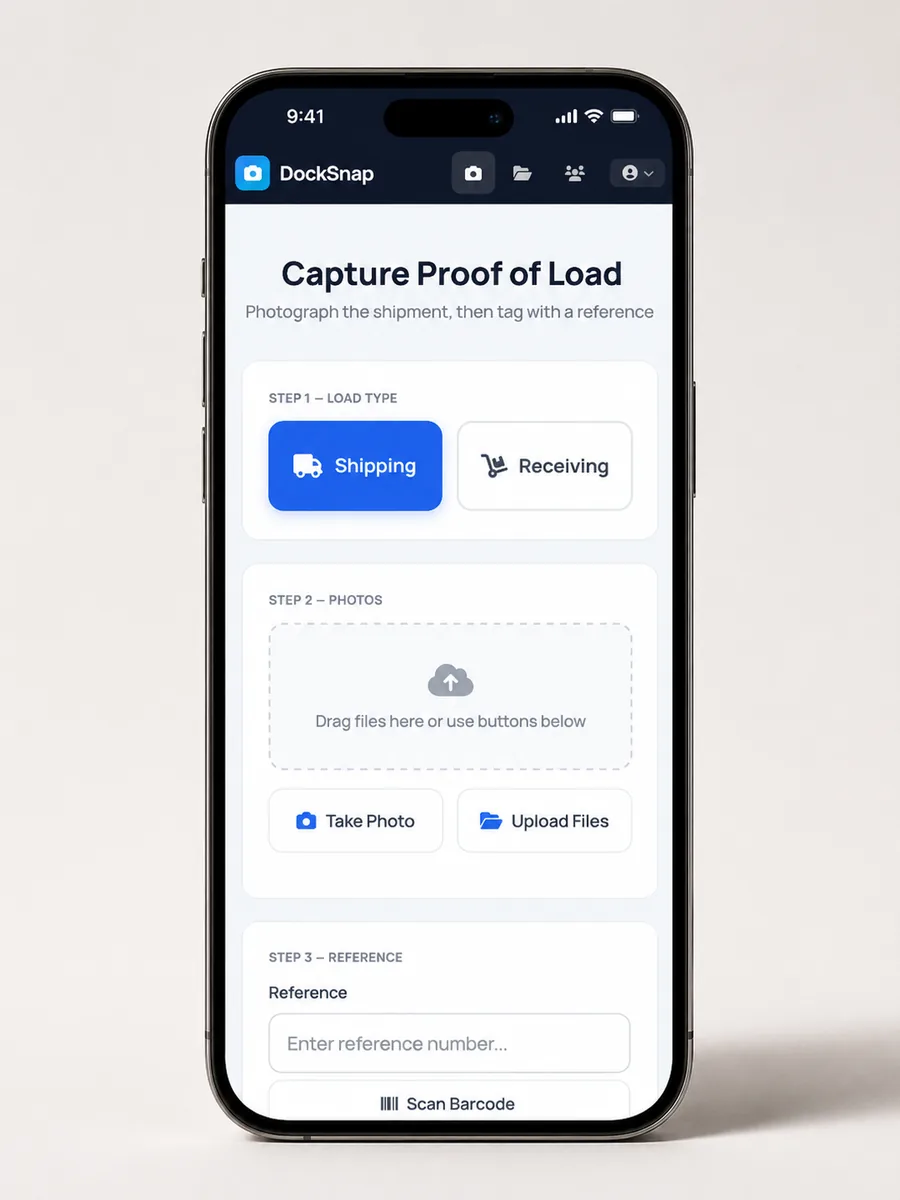
Ship or Receive
Tap one button to start. Can be defaulted if your warehouse only handles one type — every step afterwards is tailored automatically.
2
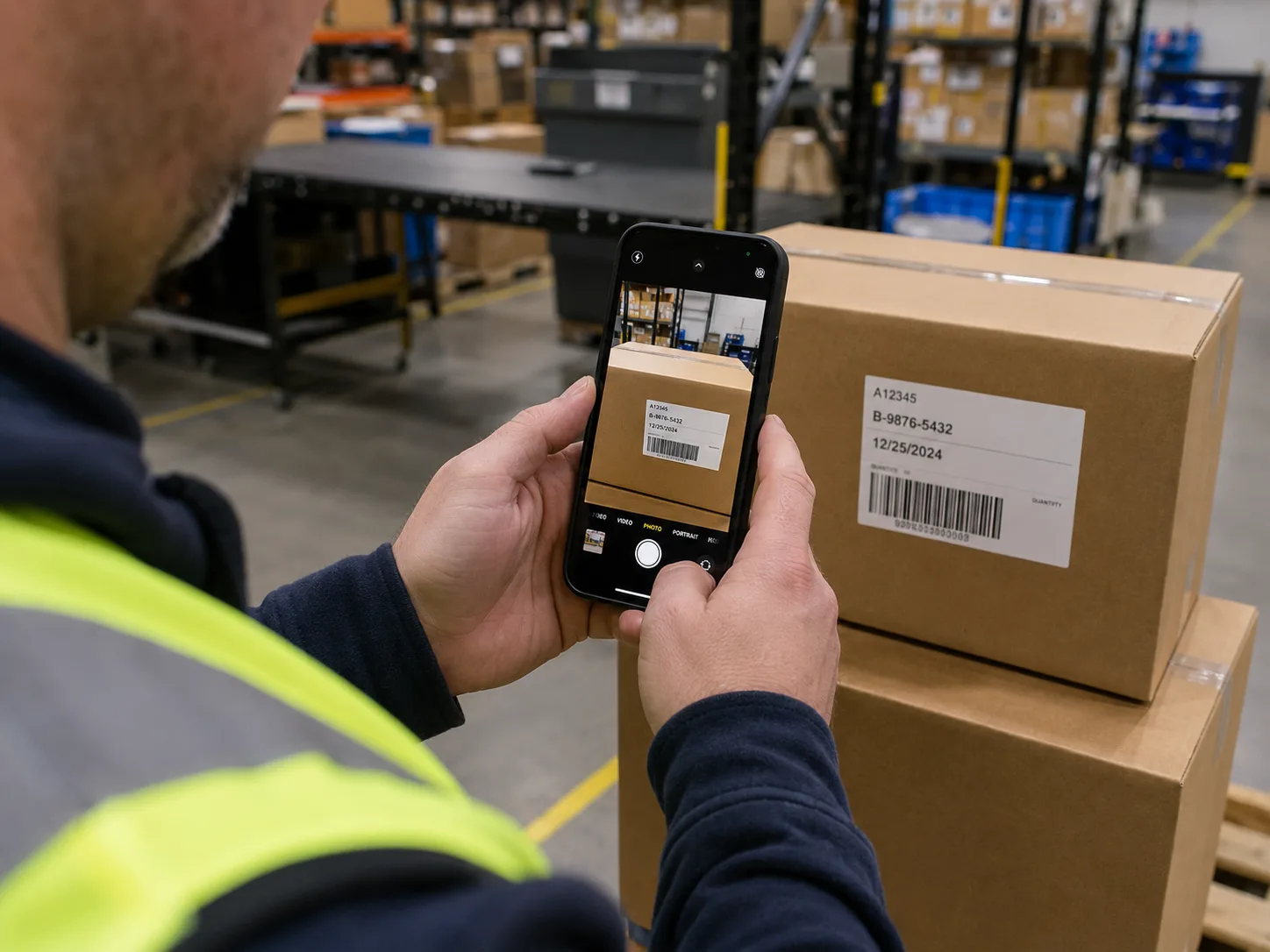
Take Your Photos
Use the live camera or attach saved images. Damage, labels, load condition — whatever you need to document. No limits on the number of photos per shipment.
3
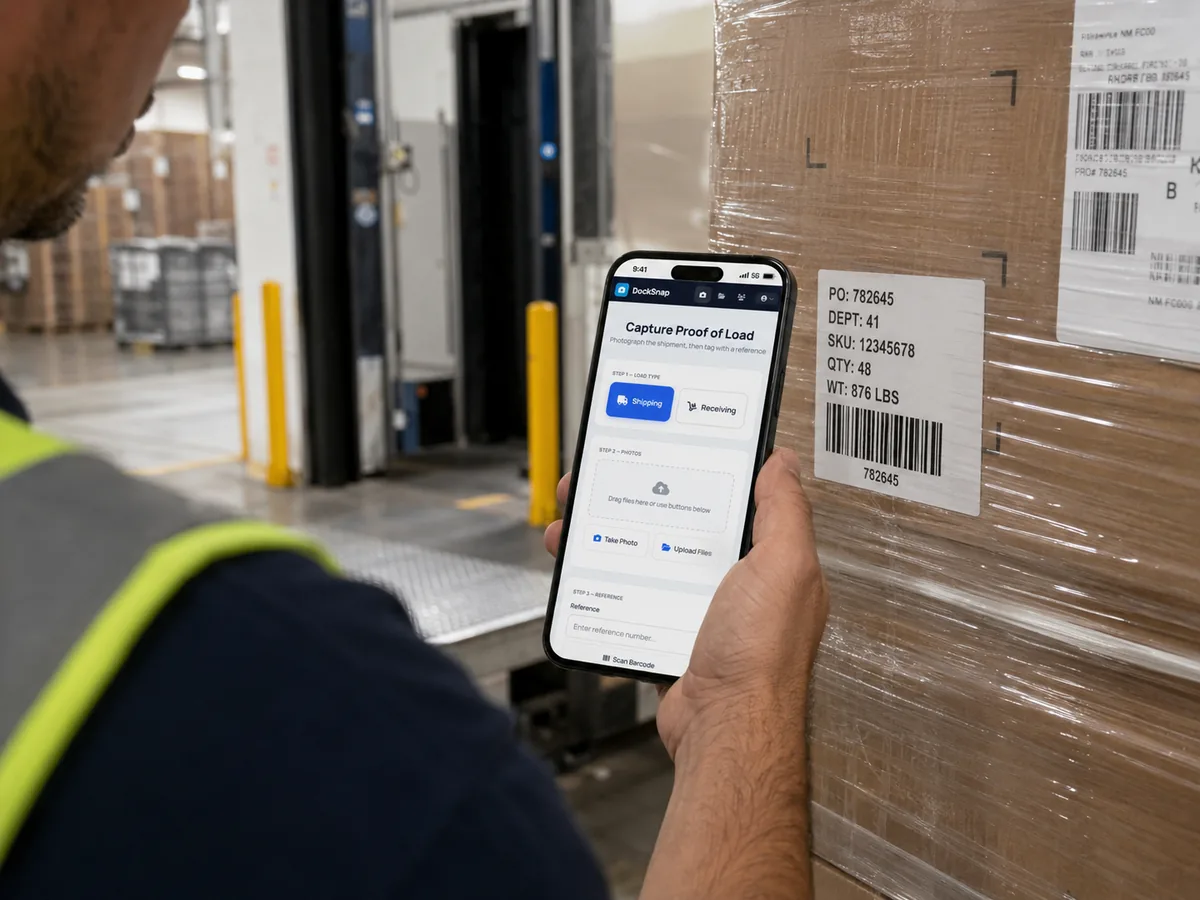
Tag the Shipment
Type a reference, scan a barcode (Code 128, Code 39, QR, UPC, EAN), or let OCR read the label. Photos go straight to the central library, filed and searchable.

4
Find & Share
Pull up any shipment by reference, date, or tag. Share with a client directly — no more email hunts.
Auto-Names Files
Cloud Stored
Searchable
Timestamped
Setup
Same day. Usually under an hour.
No new hardware
DockSnap runs on your existing phones, iPads, and scanner hardware. Nothing to order. Nothing to install on-site.
We handle the config
We set up your company, your default workflows, and your users — so your team can start documenting shipments the same day.
No lengthy rollout
No training sessions, no implementation projects. The interface is built around “take a photo” — because that's what your team already does.
WMS comes later (if ever)
Standalone works. Add WMS integration when you need it. Many teams never bother — the central library is enough on its own.

Ready?