Standalone or WMS-Integrated — How to Decide Where DockSnap Should Live in Your Stack

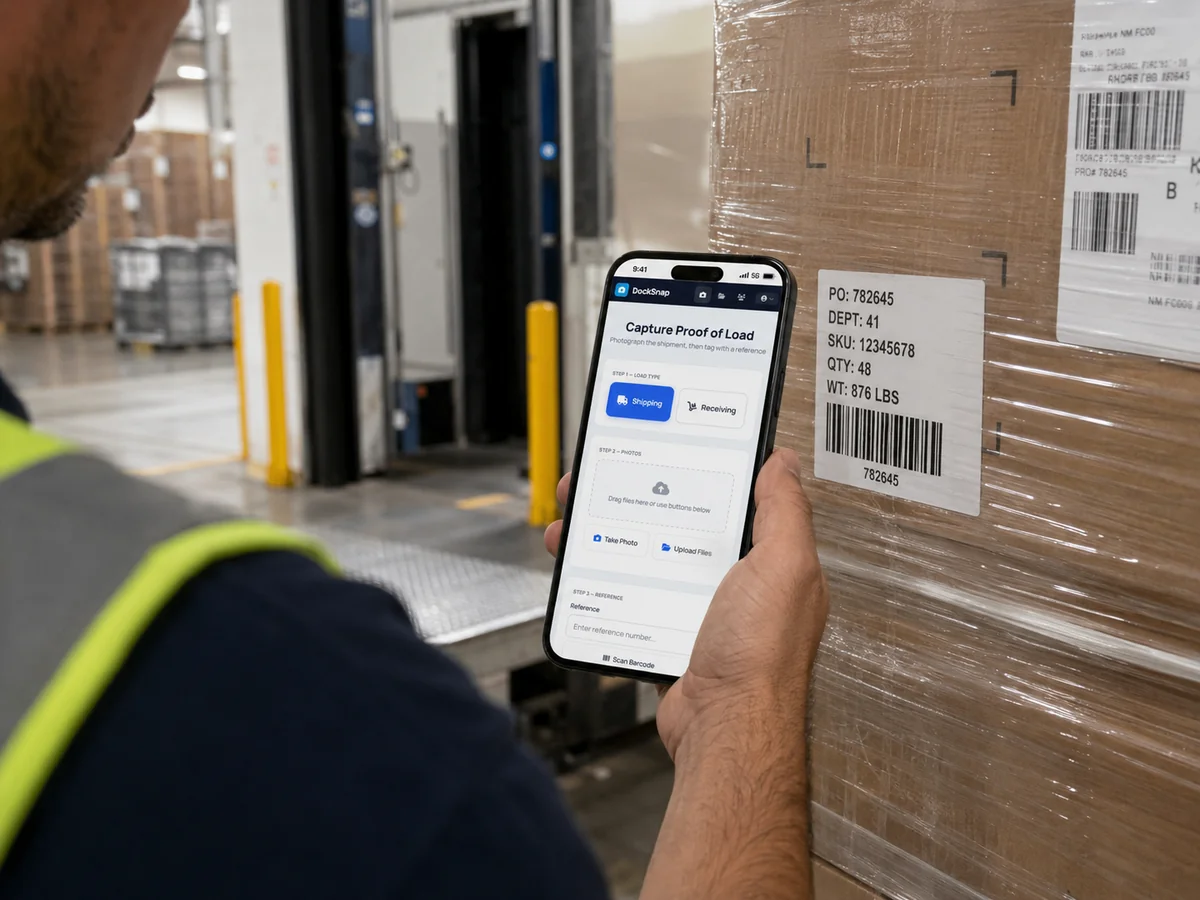
We get asked some version of this question on almost every sales call:
"Do we need to integrate this with our WMS first, or can we just run it standalone?"
The honest answer, every time, is: standalone is fine. Many of our customers run that way and never bother integrating. The central library is the value — the WMS tie-in is a nice-to-have layered on top.
But "do we need a WMS integration" isn't really one question; it's three. Let's separate them.
Question 1: do we need photo documentation at all?
If your operation already has a structured way to capture, tag, store, and retrieve dock photos — across phones, across operators, across years of staff turnover — then no, you don't need DockSnap or anything like it.
If your operation does not have that, then you need photo documentation, period. Whether it's WMS-integrated is a downstream decision.
The way most warehouses fail this test:
- Photos are on personal devices.
- They're emailed or texted to head office. (We unpacked the cost of that in Stop Emailing Warehouse Photos.)
- They're filed manually — sometimes — when someone has time.
- A claim comes in three months later and finding the right shot takes an afternoon.
If that sounds familiar, the central library is what you need first. The WMS conversation comes later.
Question 2: will our team adopt this faster standalone or integrated?
Standalone, almost always.
Standalone DockSnap launches in under an hour. The team installs the app, takes photos, tags shipments, and watches the library fill up — that's the entire first day.
WMS-integrated DockSnap is the same UI for the operator, but adds an integration layer behind the scenes that ties tagged photos to WMS shipment records, syncs reference numbers, and (depending on the WMS) writes back proof-of-load events. That's valuable — and it's a project. Smaller than a typical WMS implementation, but it's not a same-afternoon thing.
The pragmatic move:
- Launch standalone. Build the muscle memory. Get six months of photos in the library.
- Layer the integration in later if you actually need it. Many teams discover they don't.
Question 3: what does WMS integration actually buy us?
Let's be specific.
You should integrate when:
- Your customer service or claims team already lives inside the WMS, and getting them to leave it for a separate library is friction you'll lose.
- Your WMS already issues reference numbers that you want to use as the canonical tag in DockSnap (no double-keying, no reconciliation).
- You're processing high enough volume that automatic shipment-to-photo binding saves real time vs. operators tagging by hand.
- You have a compliance or audit requirement that demands photo records be discoverable from the WMS shipment view directly.
You probably don't need to integrate when:
- Your team uses DockSnap's library directly. The reference search is fast; people get to photos quickly without a WMS.
- Your WMS is on the older end. Some 1990s-era systems don't have a clean integration surface, and shoehorning one in costs more than it returns.
- You're a smaller operation where the photo library is mostly used by one to three people who are happy logging in directly.
- You're standalone-WMS — i.e., you don't run a WMS at all. (Many of our customers don't. DockSnap is the system in this case.)
What "any WMS" actually means
When we say DockSnap plugs into any WMS, we mean: any WMS with a sane API surface or the ability to push/pull shipment data. There's automatic integration with Warehouse Bridge (our sister product), and bespoke integration paths for whatever you're running today.
For full transparency: bespoke integrations vary in scope. A WMS with a modern REST API is a clean drop-in. An older system might need a flat-file or middleware approach. We'll tell you which bucket you're in on the first call.
A clean way to decide
If you're undecided, here's the rule we'd apply ourselves:
Start standalone. Run it for 90 days. If your team is leaving the WMS to use the library and you can quantify the friction, integrate. If not, don't.
90 days is enough to see whether the photo library and the WMS naturally want to merge in your workflow, or whether they sit happily side-by-side. The data tells you which one you are.
Where to start
Get DockSnap running standalone today. We'll set up the workspace, your team installs the app, and you're documenting shipments by the end of the day. WMS integration stays available — we'll be ready when you are.